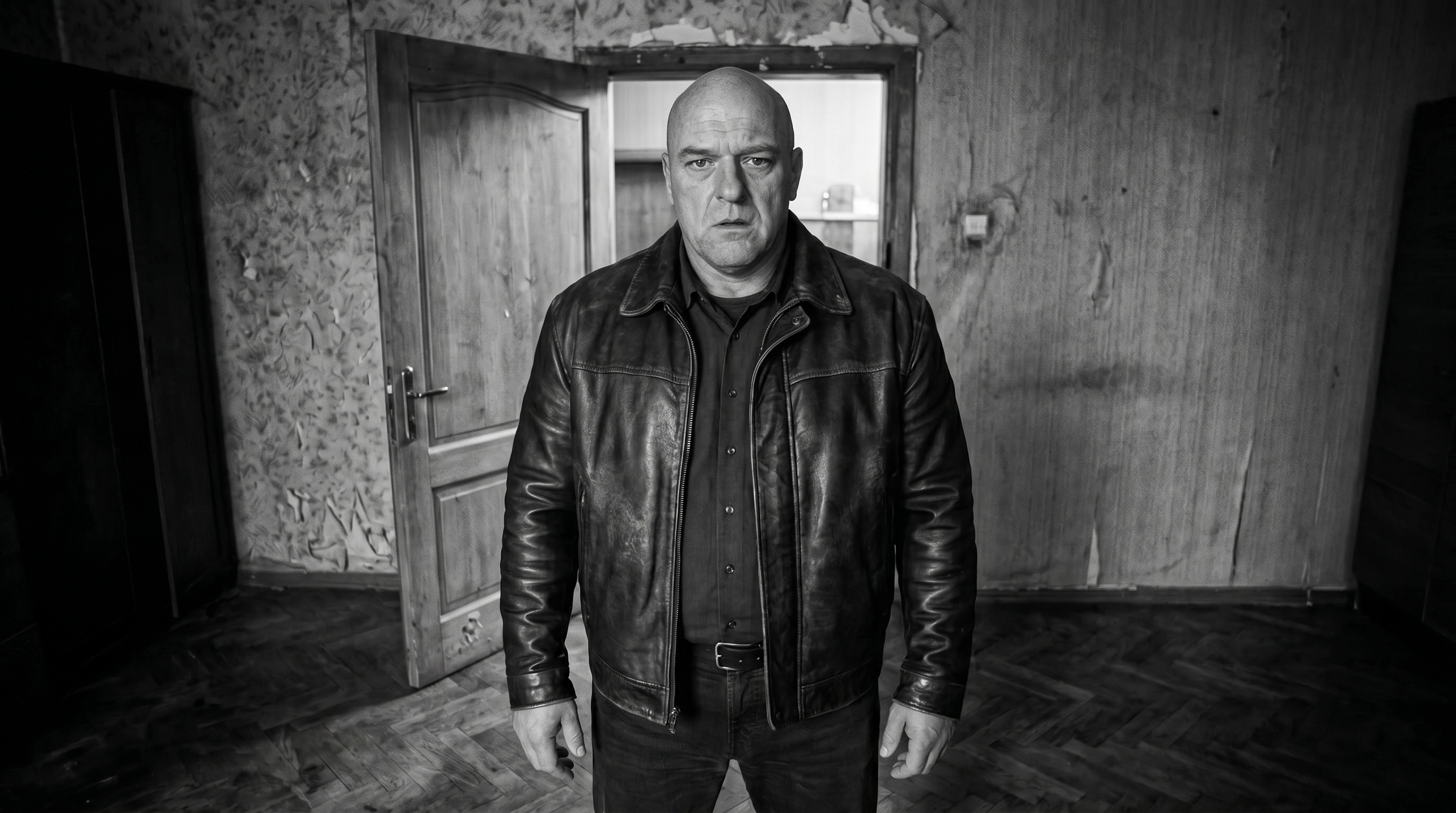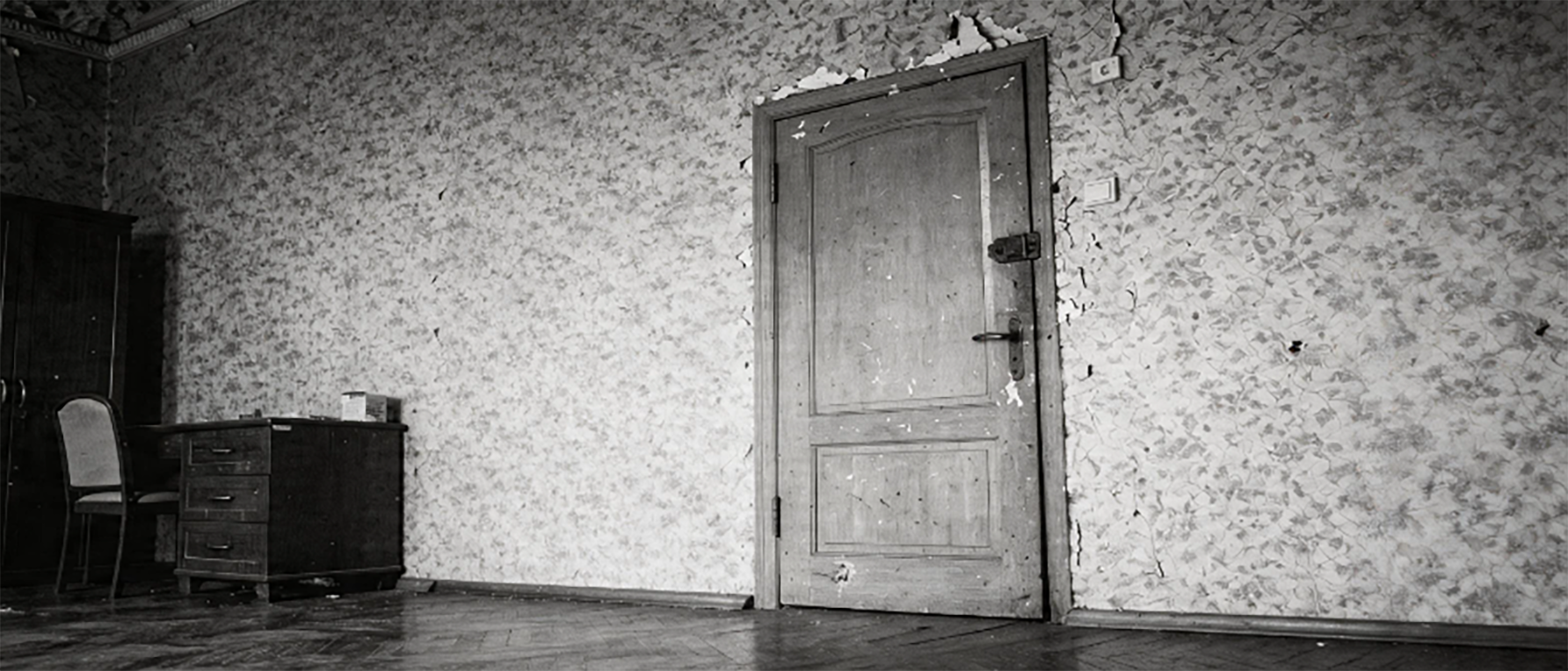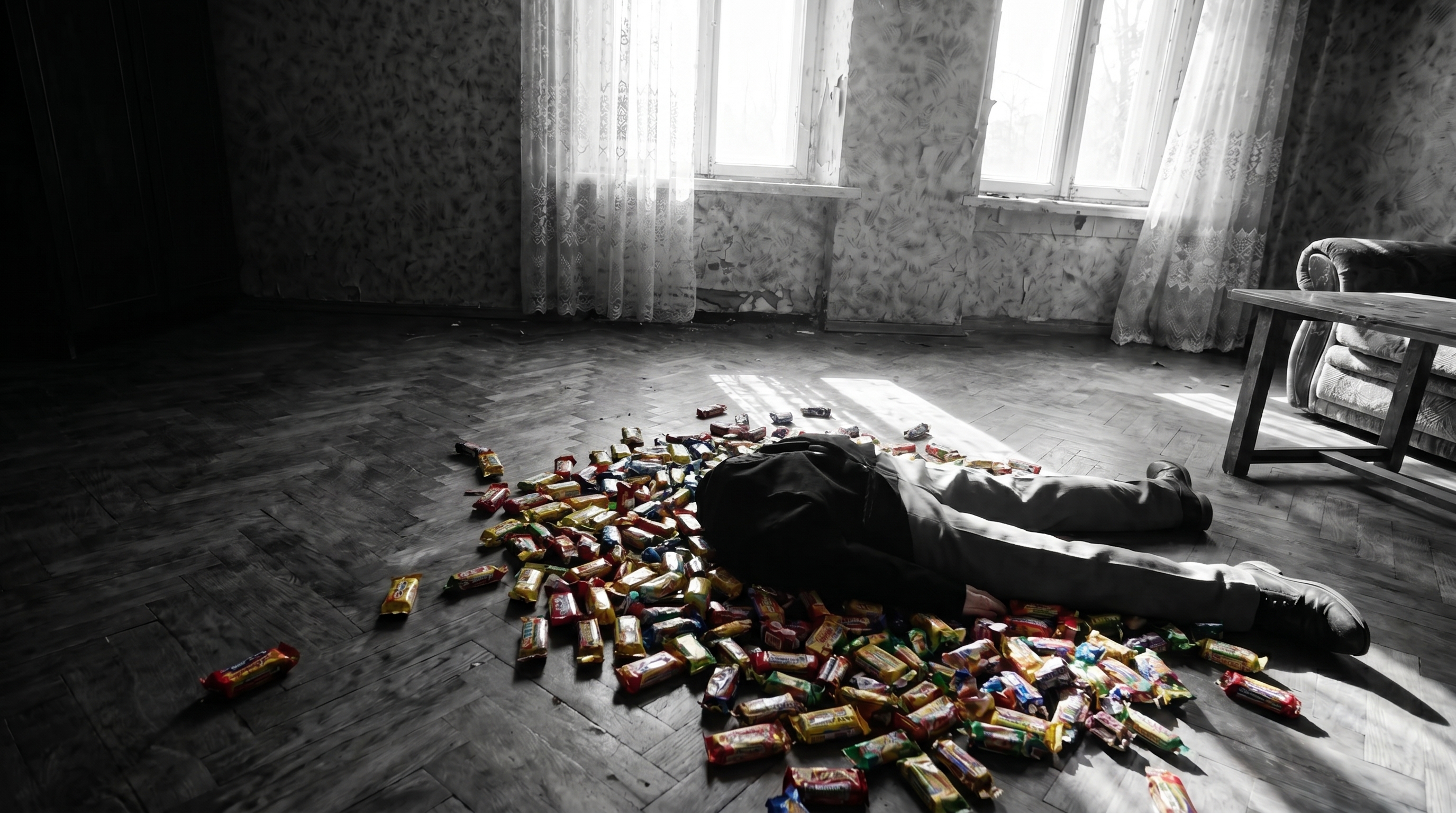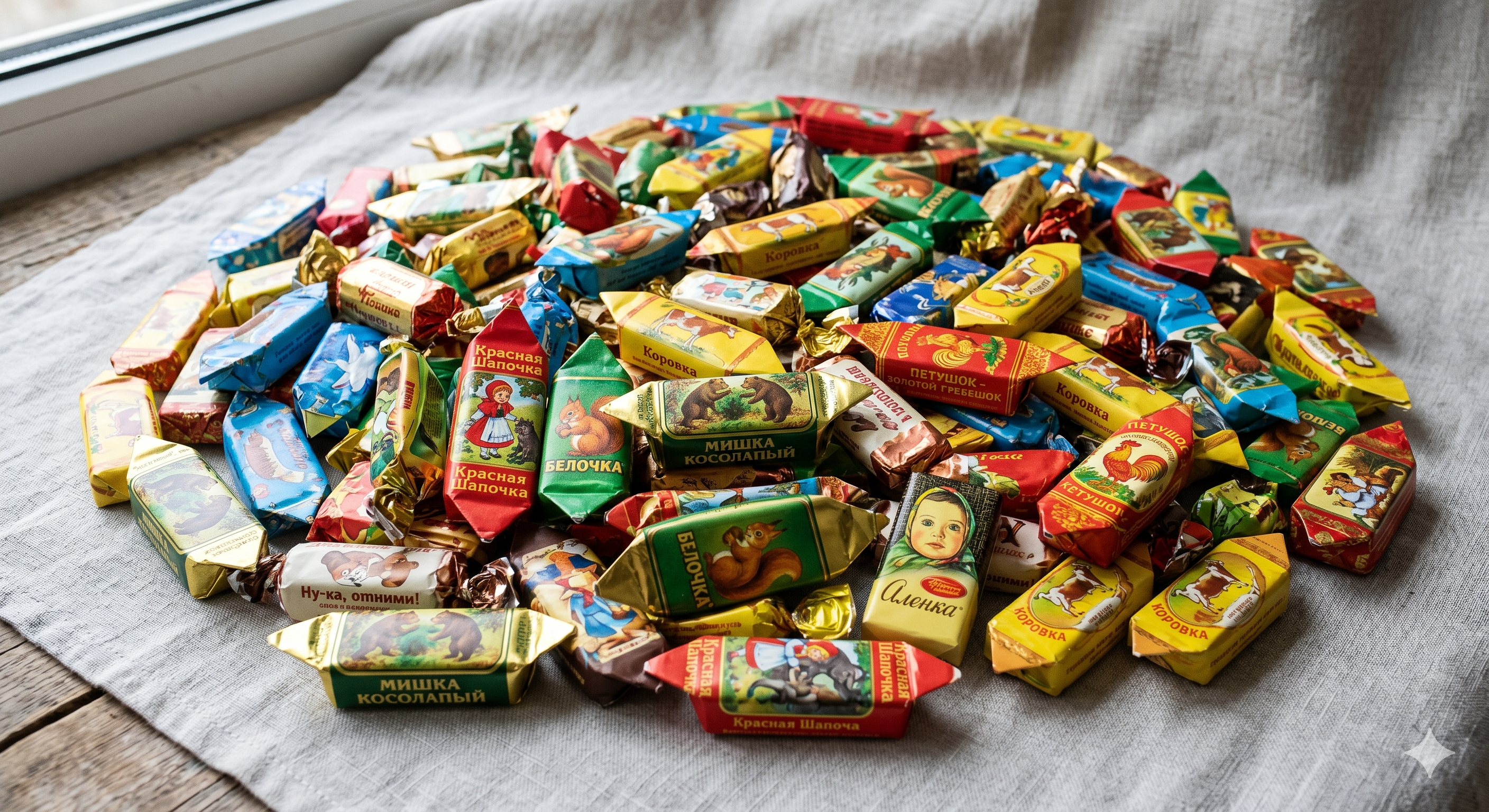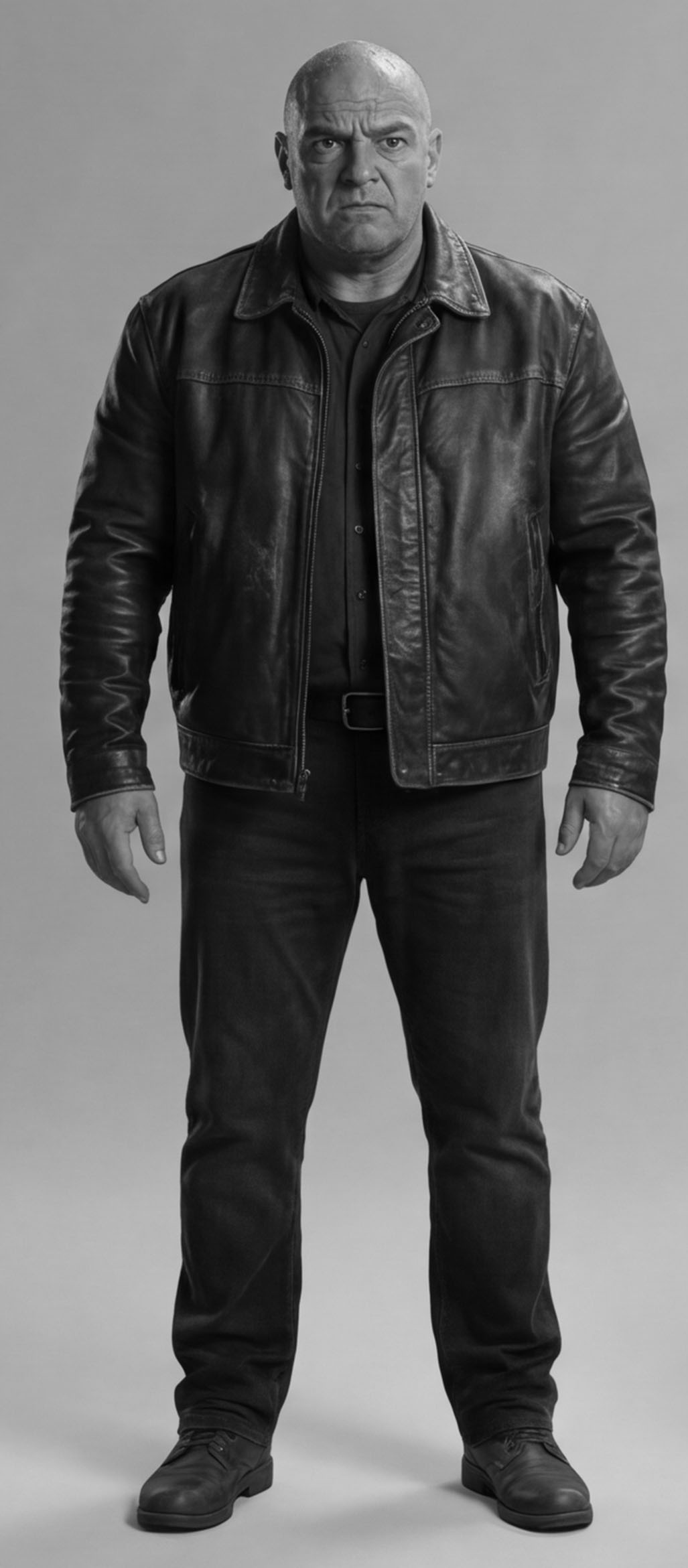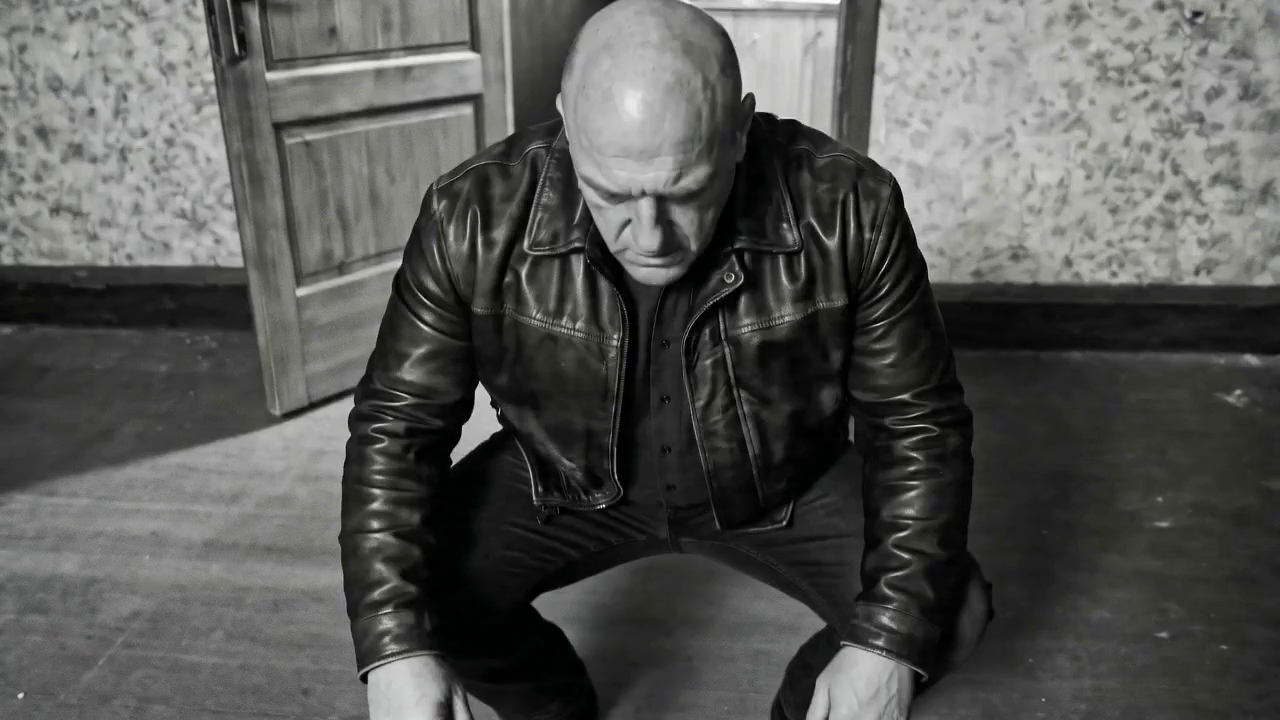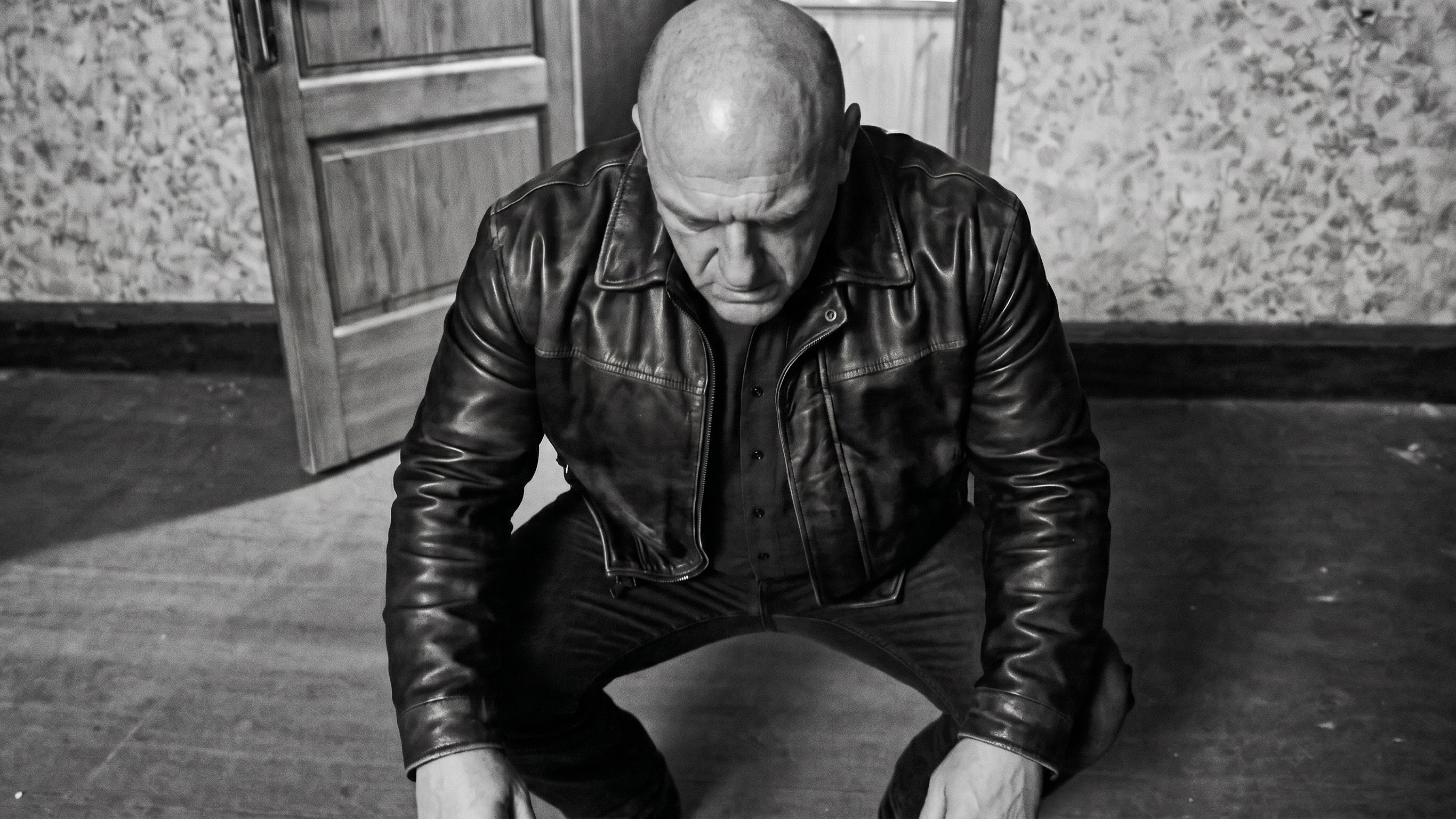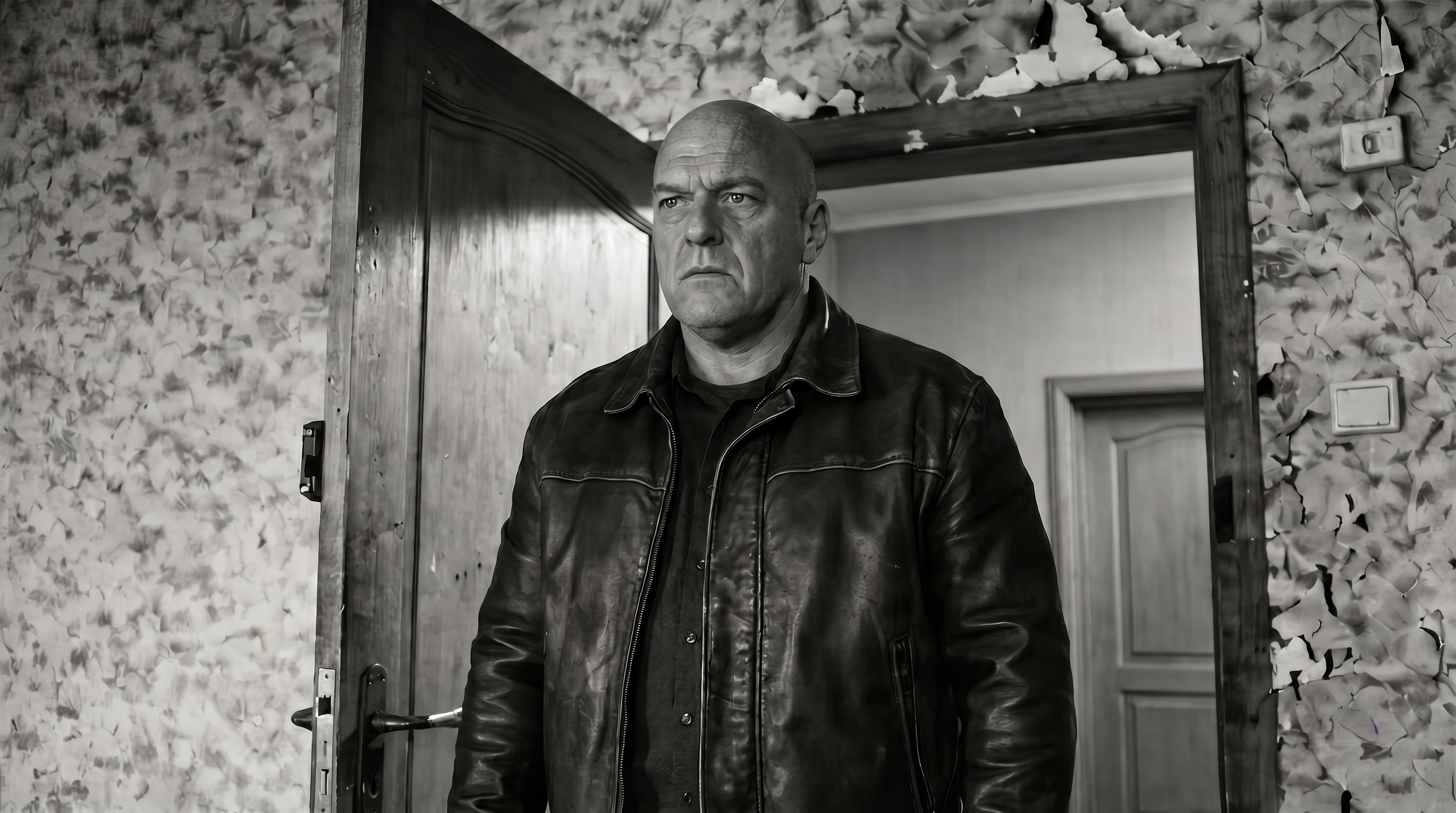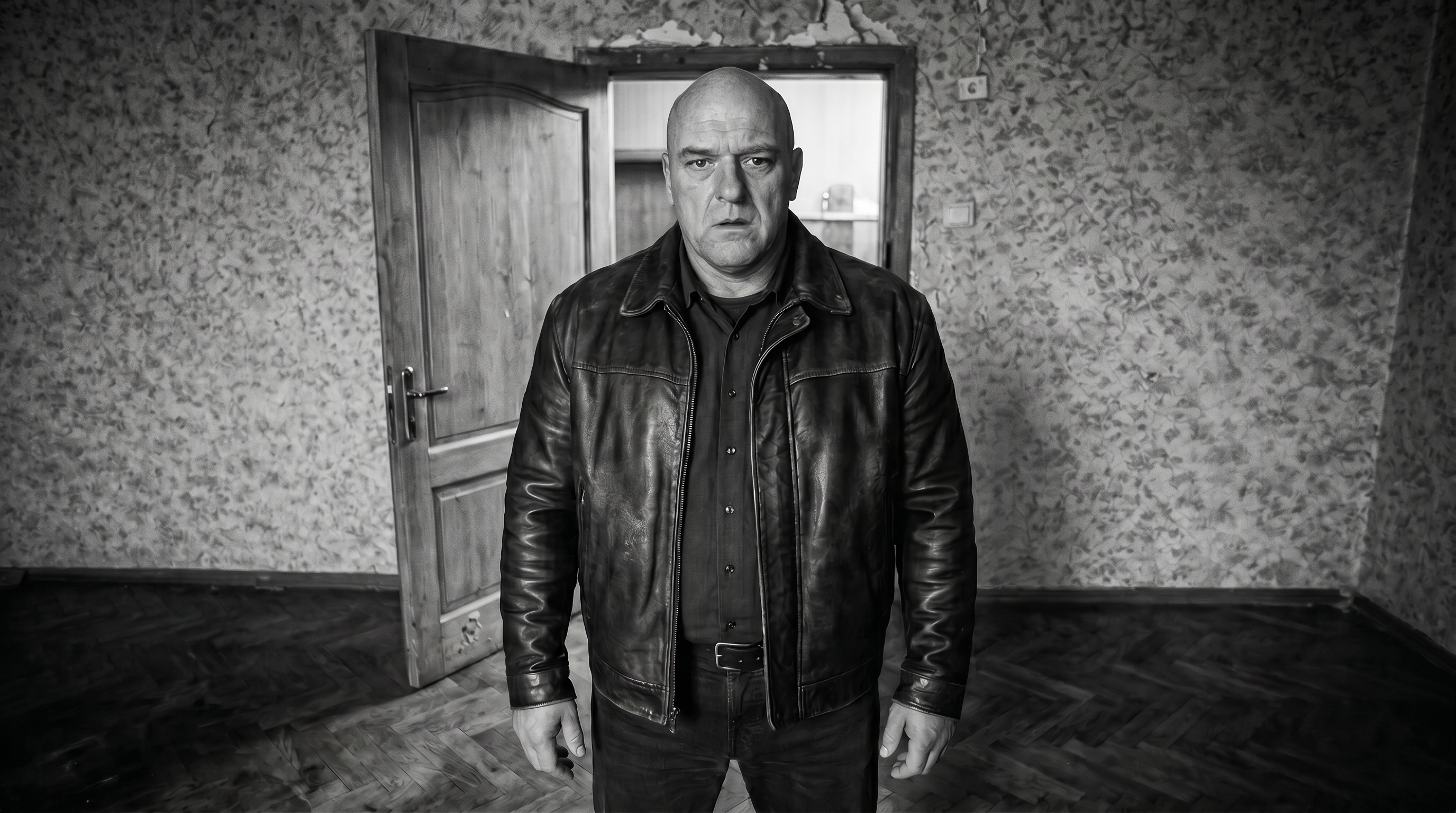
After the piñata marathon, on to the details: change the wallpaper in shot10, swap the candy for Soviet brands, shoot the eating-the-candy scene.
"Shot10_bandit_low_angle_v2 — let's fix the wallpaper on the right to match the ref shot1_door_closed."
Gemini changed the wallpaper on the first try:
The user upscaled the frame in Photoshop, got shot10_bandit_low_angle_v2_wallpaper_zoom.jpg:
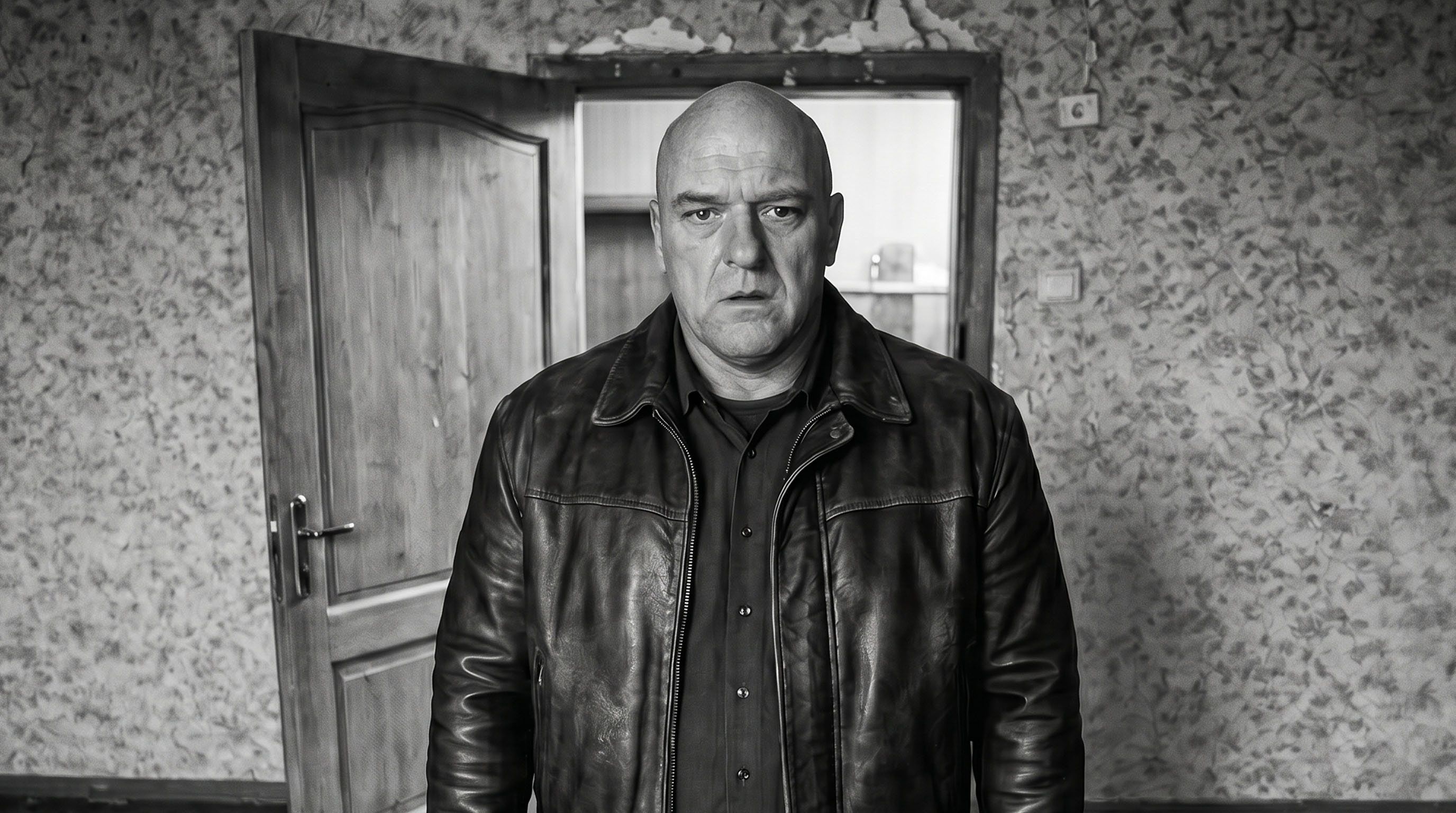
After that — two hours of Gemini attempts to rotate the bandit's gaze slightly down and to the left. Key iterations:
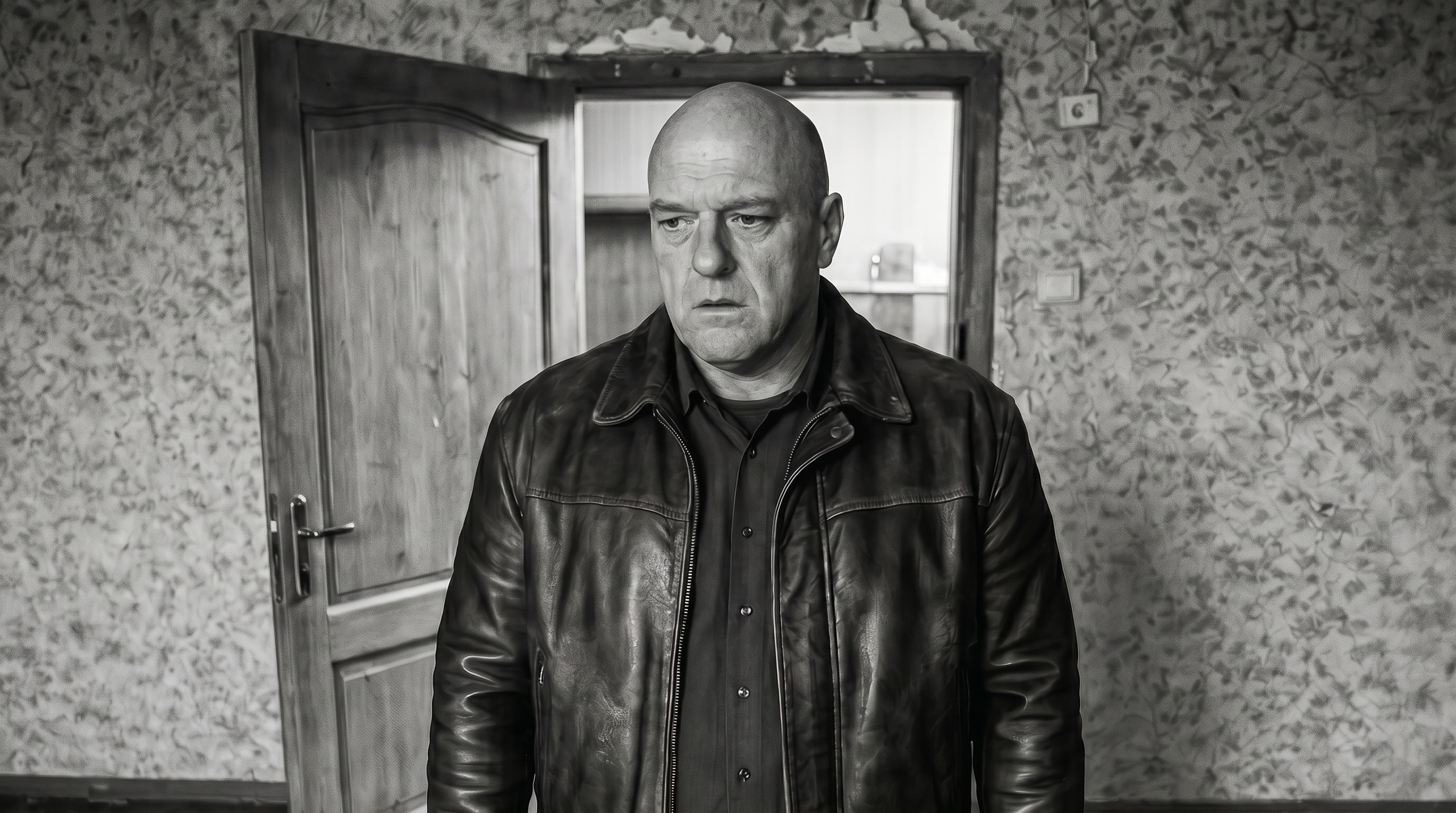
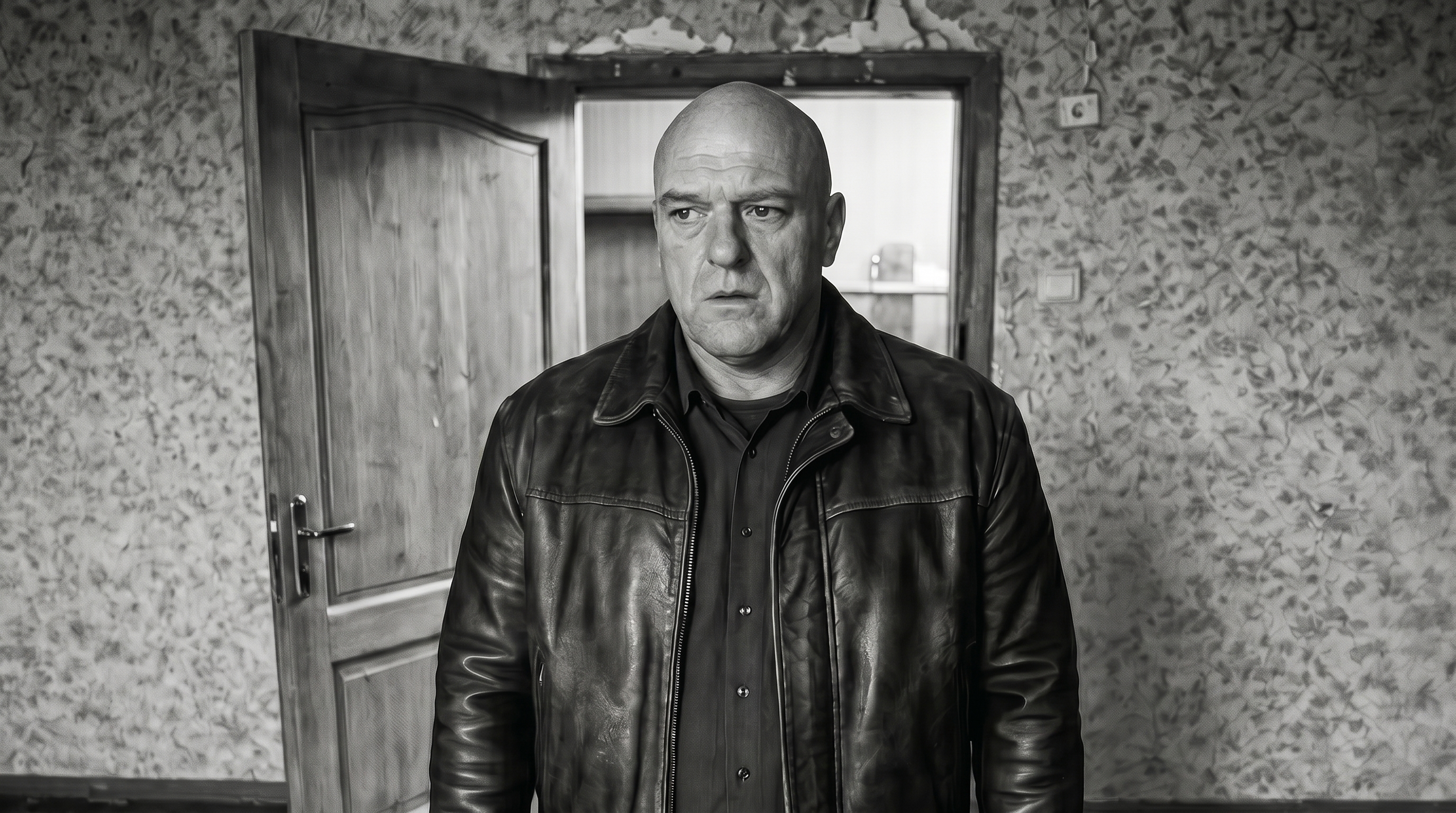
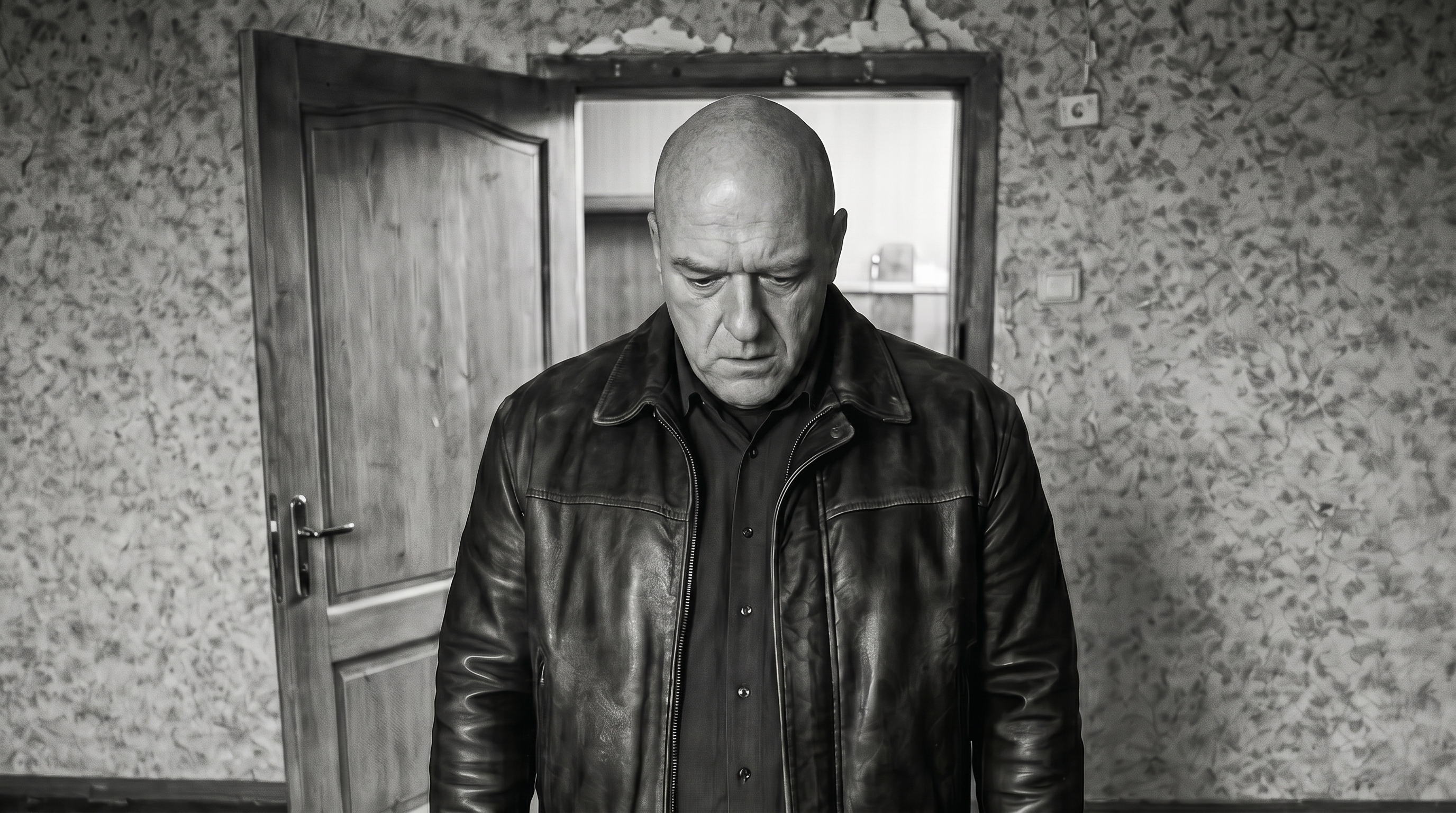
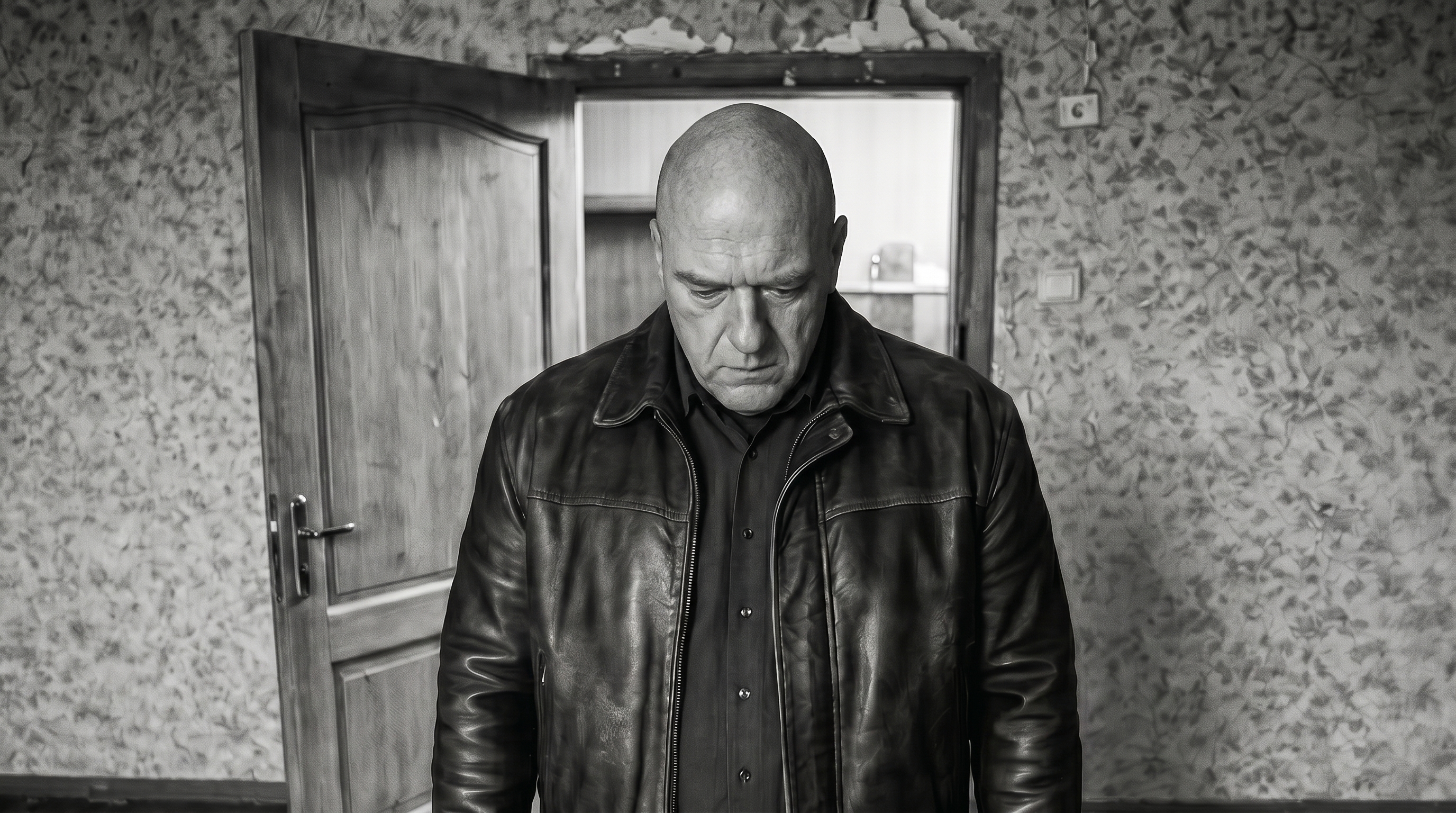
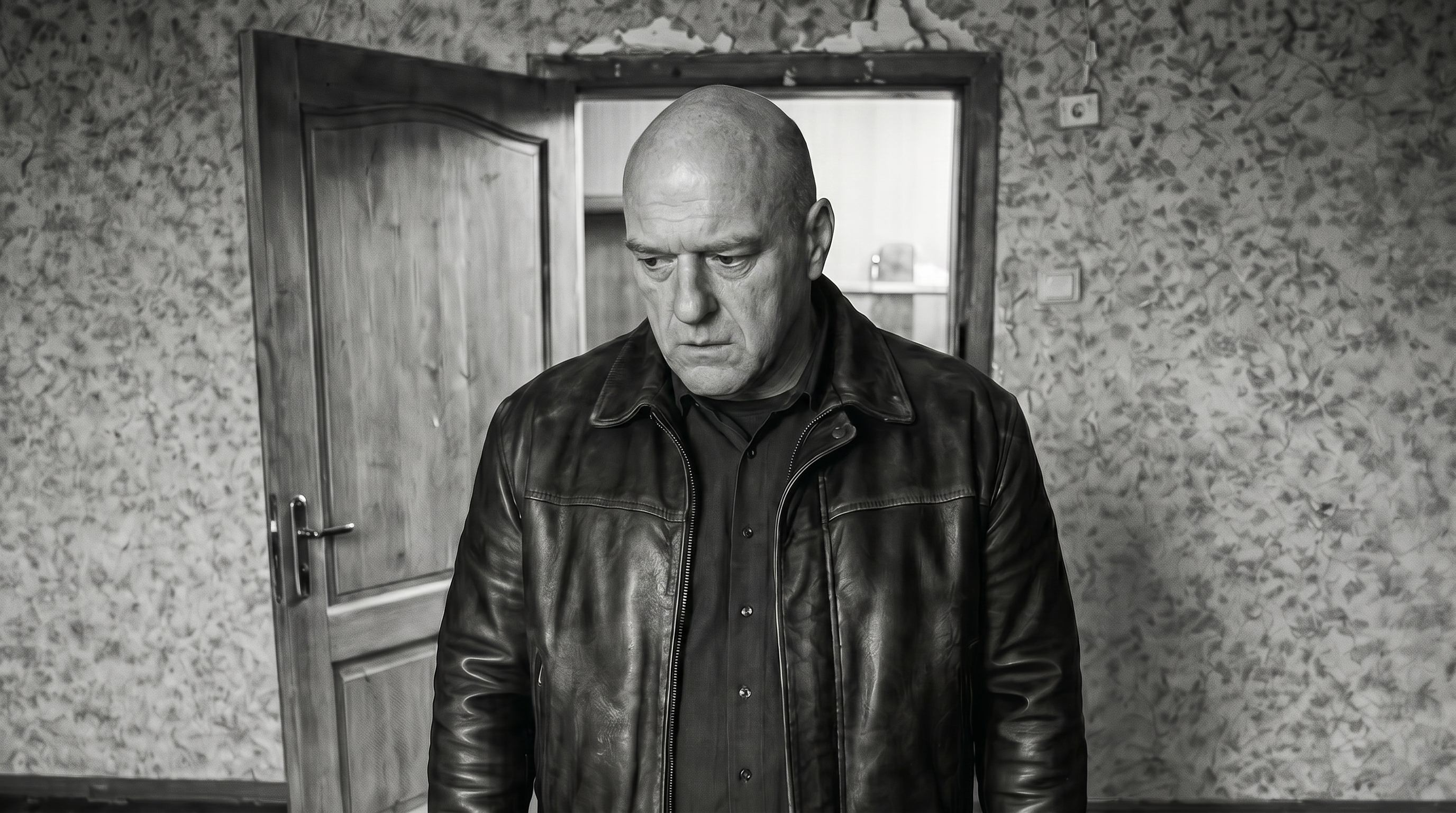
"Too far left" → "nothing, almost no change" → "now he's looking right" → "like he's confusing his legs" → "no, he's looking right, not left"
The user's key insight:
"Damn, maybe the issue is I mean left in the frame, but the model interprets left as the subject's left?"
Exactly — "left" is interpreted from the subject's POV, not the camera's. Fixed it — v7 came out with the right direction but too strong.
After 12 iterations and 5 Gemini refusals in a row (IMAGE_OTHER) — dead end:
"This little gaze-direction thing Gemini doesn't pull off. My vote is to nudge the head in Photoshop manually."
"I don't know how you'd warp gaze direction in Photoshop. You're a fantasizer."
Right, warp doesn't work — you'd have to repaint the eyeballs.
"I found a program that did it — shot10_gaze_v7_sight.png. There you can change just the gaze."
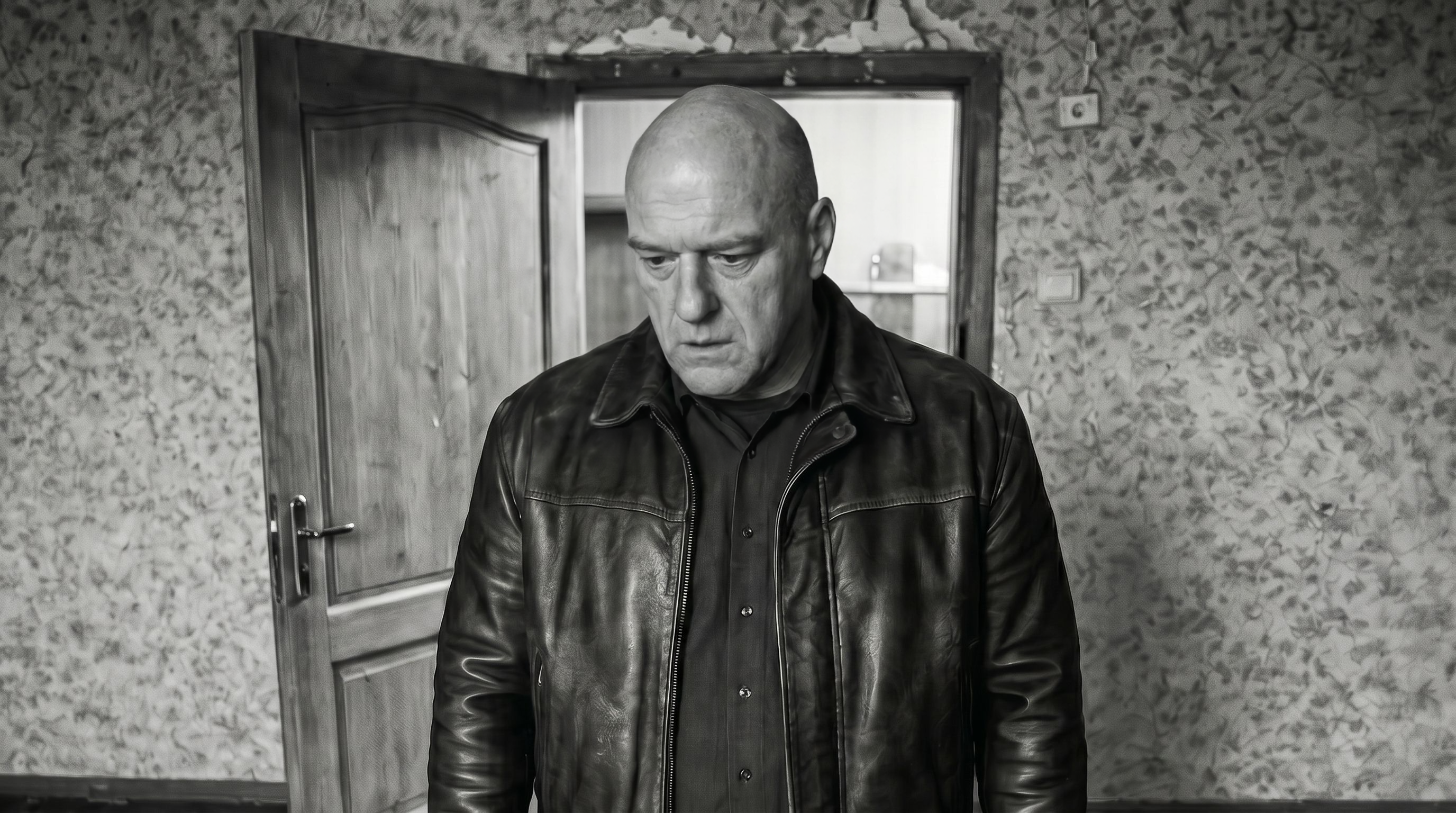
Session conclusion: Gemini with an illustrative "look over there" prompt has a huge variance — 20 attempts didn't yield a stable result. For micro-edits of gaze/expression a specialized tool is needed (the user found a separate one).
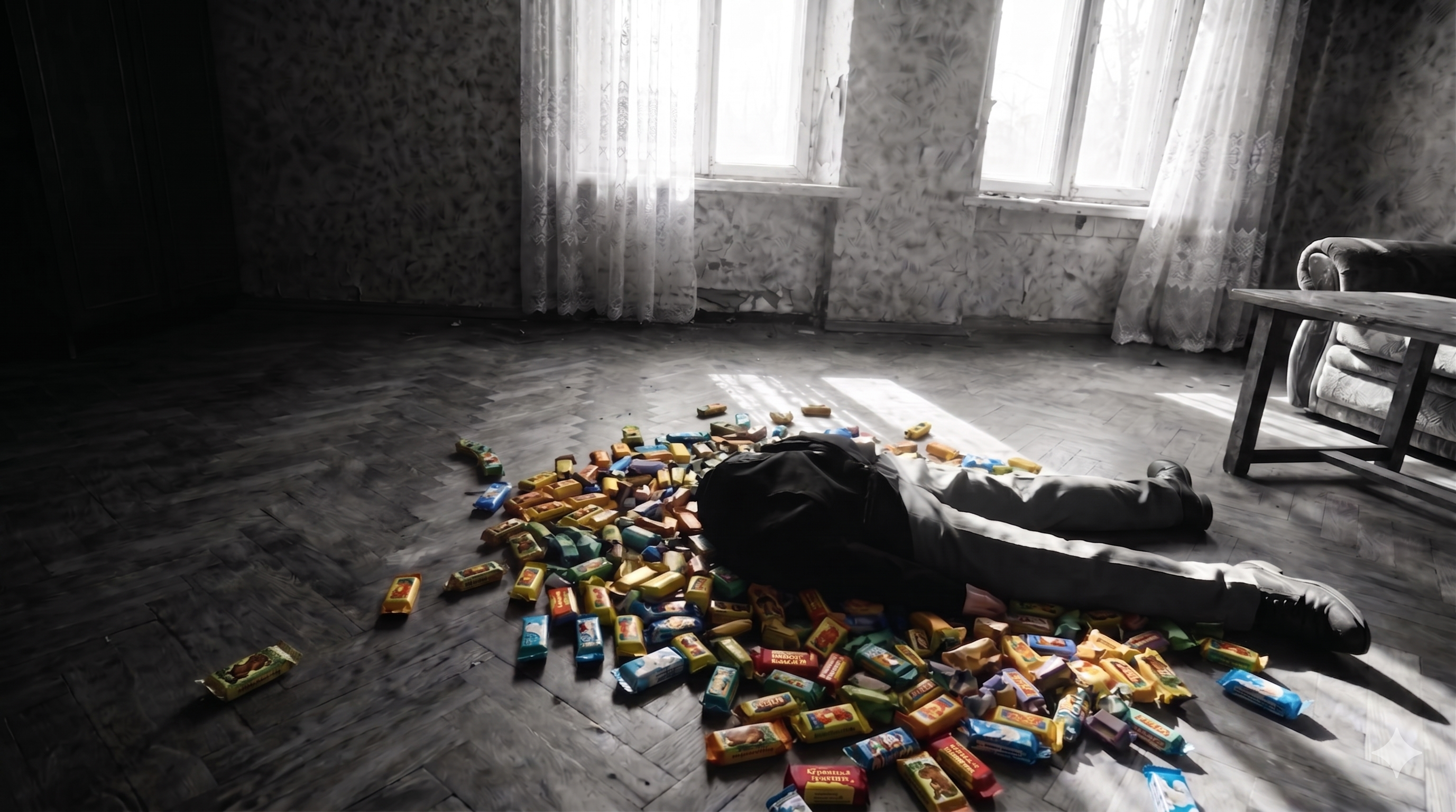
"Shot9_pov_candies_v10 — now we need to swap the candy here for Soviet ones. Crucial: don't change the size or position of the candies, the lighting — only the wrappers."
Gemini with any wording returned an identical file — the model considered "preserve most of it" more important than "change the wrappers". 3 attempts — zero changes.
"You know you're just creating an illusion of choice. You have 2 obviously stupid options here, why?"
The agent admitted it had no good ideas. Ran Flux, Seedream 4K, Gemini with reordered refs in parallel — all bad. Seedream gave 454 KB (degradation).
"You know what, you keep proposing 'good enough'. With that approach they should put graphics cards into your data centers."
The user solved it in two steps:
1. Asked the model to make wrappers solid-color (composition reset)
2. Then on that result — "make them Soviet candy with these brand names"
This broke Gemini's "preservation bias" — the model stopped protecting the source.
"Why is it that I do all the hard cases myself, without your help?"
Agent: "noted the pattern — for tasks like 'change only X', go via an intermediate reset, not a direct edit."
"Let's do the same POV video, just with this ref instead of the old one. Remember the prompt?"
"By the way, what about having the video gen save the parameters it was launched with into a log?"
Logged every generation into generations.log.jsonl. Found the previous prompt for POV candy pickup.
v1: hand not B&W (stayed in color), motion "reaches into the void and materializes a candy out of thin air":
v2: explicitly added "hand and arm strictly black and white", "candy physically lifted out of the pile, does not appear from thin air":
"What's shell history? Can we fill the log immediately from there?"
Shell history in Claude Code isn't preserved between calls. But there's the project transcript — 46 MB JSONL with every command. Wrote backfill_generations_log.py — walked through the transcript, extracted 77 seedance_video.py runs with parameters (prompt, refs, duration, quality, aspect, model, task_id).
Then added to seedance_video.py — every successful run appends _append_log() to generations.log.jsonl.
"Also the backfill overrides the log instead of appending. What does that mean?"
"Why do we need backfill at all? We called it once and that's it."
Right — backfill is for one-off migration, live logging handles the rest.
"Now from shot10_gaze_v7_sight — make a shot where the bandit squats down, the camera follows, 4s, 720."
"By the way, let's always explicitly say no music."
Added "No background music, no soundtrack" to the prompt and to rule 18a.
"Now we need a video of him eating the candy. Need to extract the last frame of the squat as a separate frame via Banana."
Extract last frame → shot10_squat_lastframe.png (720p, blurry). Gemini upscale to 2K:
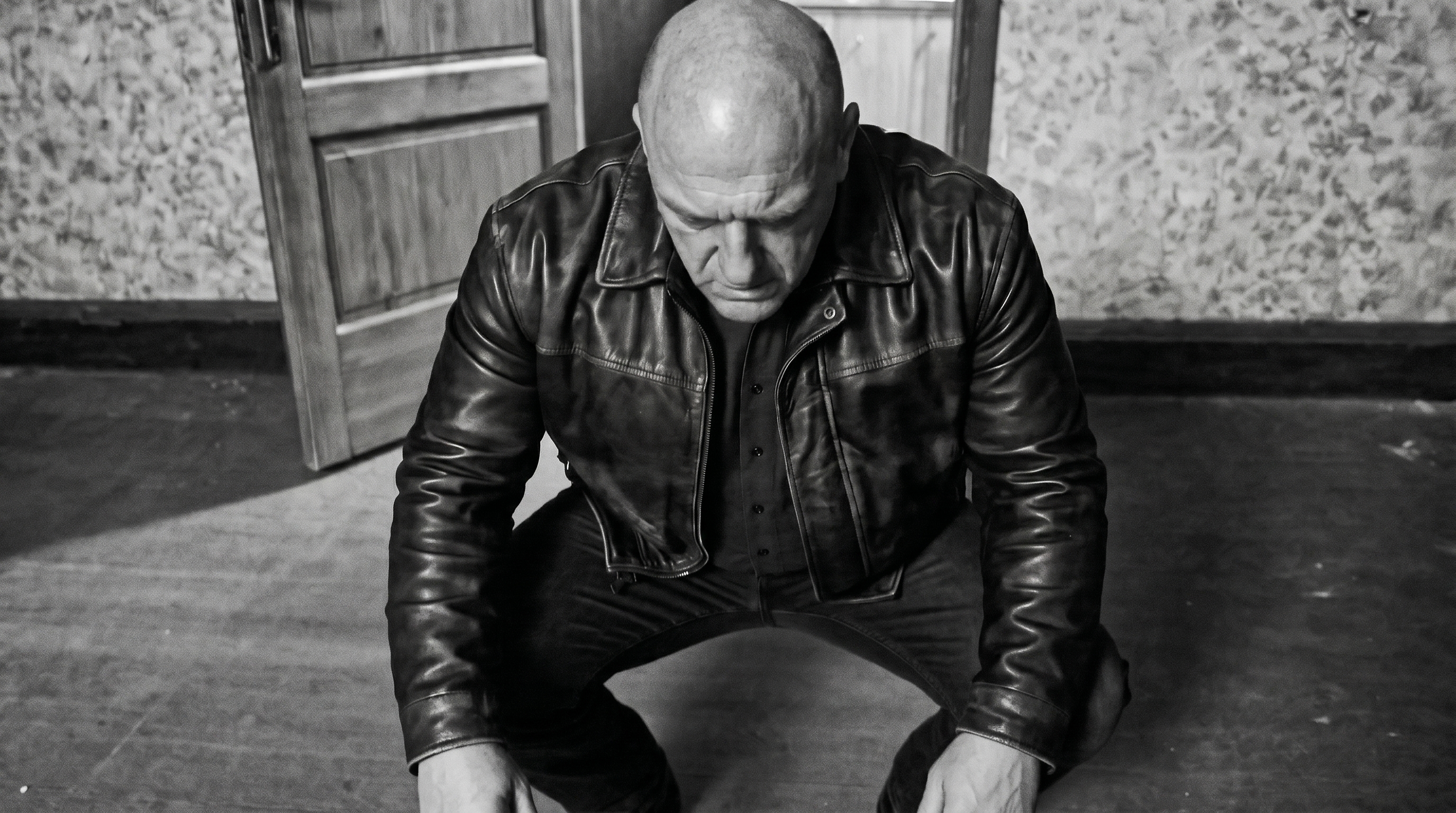
v1: perfect unwrap, glowing yellow candy beautifully.
"But for some reason he pulled another non-glowing candy out of the glowing one and ate that."
The model "doubled" — created a second candy for the eating phase.
v2: explicitly "Only one candy exists", "no duplicate, nothing new produced" — the doubling went away, but the candy became 3x larger than the wrapper:
"He's unwrapping too long. And in v2 the candy got 3x bigger after unwrapping, meaning the contents are bigger than the wrapper."
v3: "quick two-motion unwrap", "same size as the wrapper":
"Crap, now the wrapper just fell off, he didn't even bring the second hand."
v4: explicitly "both hands", "left holds while right tears open":
"Unwrap is tolerable, but worse than v1. The candy got way bigger again — a giant cube instead of a bar."
The user caught the key problem: "brick-shaped" → the model interprets it as a construction brick (cubic).
"I think it imagines a different candy than what we want — you write 'small'. It thinks lollipop or pellet."
"You write 'matchbox', but the candy is matchbox-sized only by length, half by width. Maybe that's throwing it off?"
The agent explained: diffusion models don't measure centimeters physically, but a comparison to "stick of chewing gum" works as a visual anchor.
"Why does it correctly understand the original size of the candy in the wrapper?"
Insight: the wrapped candy is anchored to the hand in the ref frame (hand + wrapped candy in hand — context). The unwrapped one is generated fresh from the word "candy", and "brick-shaped" becomes a construction brick.
"So we shouldn't add, we should remove what's throwing it off."
v5: removed "brick-shaped" entirely — small yellow ball. Not candy:
"Was there no shape in v1?"
Found via grep generations.log:
v1: "hands work to unwrap a brick-shaped candy with a yellow wrapper"
v1 had "brick-shaped" but the size was correct before unwrap (wrapper context). After — the model used the same style.
v6: v1-style unwrap + anti-dup — the ball stayed:
v7: "rectangular bar candy in a yellow wrapper" — shape now normal:
"Cube-ish but actually fine. Why did you remove the static-camera bit?"
v8: brought back "Fixed camera, no camera movement" + "no text or labels on the wrapper":
"Commit."
bb535e2 — shot9 piñata + shot10 squat/candy + generations log. b52ce1c — movie-workflow rules + hook in main repo.
"What's next in the script?"
Per the script after eating — trip, village, wife, bear, kids.
"No need for a separate close-up, of course it goes straight to the village."
Quote from the script:
"THE PICTURE BECOMES INCREDIBLY BRIGHT AND SATURATED. The bandit, now dressed in a simple peasant shirt, sits on the bench by a log cabin. Around — an idyllic village landscape. The sun shines, birds sing. A beautiful WIFE in sarafan and kokoshnik approaches him..."
The user adjusted:
"Got it, but the script's not quite right. Need: a bear plays balalaika. Rosy-cheeked kids dance nearby. The WIFE in sarafan and kokoshnik approaches the bandit. The wife kisses the bandit gently several times. All one shot, 8s. Dynamic camera."
The agent started with a first frame via Gemini.
"Think we need Gemini here? Maybe give Seedance freedom?"
The user proposed letting Seedance generate with char-ref without a locked first frame — the model would invent the village more freely.
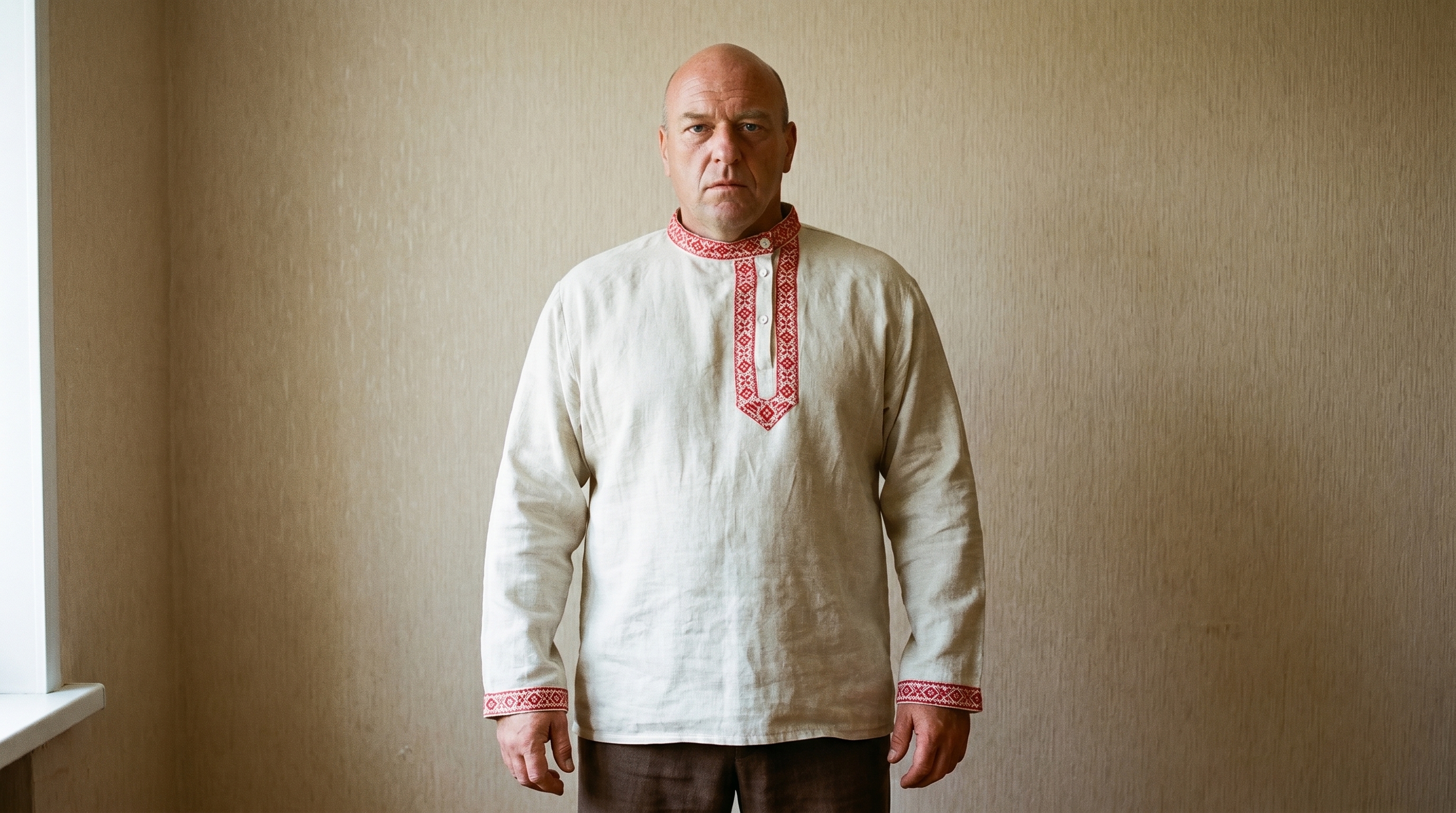
"We could make a color bandit in the shirt first, by the way."
char_bandit_rubaha_v1: Gemini with ref → IMAGE_OTHER.
char_bandit_rubaha_v2: without ref → looks similar, but not our bandit.
"I don't get it, why is the face different?"
Right, without a ref Gemini generates a generic guy.
"char_bandit_face.jpg — did you give that ref?"
No, gave the B&W. Tried color char_bandit_face.jpg → v3 with our face in the shirt.
"shot5_bandit_closeup_v5.png — use that face ref."
v4: same bandit from shot5 closeup, in a shirt with red embroidery.
The session ended here.
In 5 hours:
- 20 attempts at gaze edits — Gemini doesn't pull off micro-gaze direction. For such edits a specialized tool is needed (the user found a third-party program).
- Two-step reset for Gemini: to swap an element in an image, first "reset to solid color", then "make it the new style". Direct edits trigger preservation bias.
- shot9_candy_pickup_pov_soviet_v2 — approved (POV hand picks up a candy, with explicit "physically lifted out, does not appear from thin air").
- shot10_bandit_squat_v1 — approved (4s squat).
- shot10_candy_eat_v8 — approved (7s unwrap and eat the glowing yellow candy).
- Lesson on shape: "brick-shaped" → construction brick. Physical centimeters the model doesn't get. Visual anchors from known objects — better. Sometimes removing the misleading word matters more than adding a description.
- generations.log.jsonl + backfill_generations_log.py — 84 historical runs logged, every new seedance_video.py live-appends.
- Rule 18a: in Seedance prompts always write "No background music, no soundtrack" — by default the model adds background music.
- char_bandit_rubaha_v4 — color bandit in a shirt for scene 3 (village). Needs a color face-ref, not B&W.